


-
 Pick up from the Woodmart Store
-
 Courier delivery
-
 DHL Courier delivery

 Pick up from the Woodmart Store
Courier delivery
DHL Courier delivery
Pick up from the Woodmart Store
Courier delivery
DHL Courier delivery
 Warranty 1 year
 Free 30-Day returns

 Overview
 Processor
 Display
 RAM
RAM
 Storage
 Video Card
 Connectivity
 Features
 Battery
 General
In stock
In stock
In stock
In stock
In stock
In stock
No account yet?
Create an Account





PlugCart –
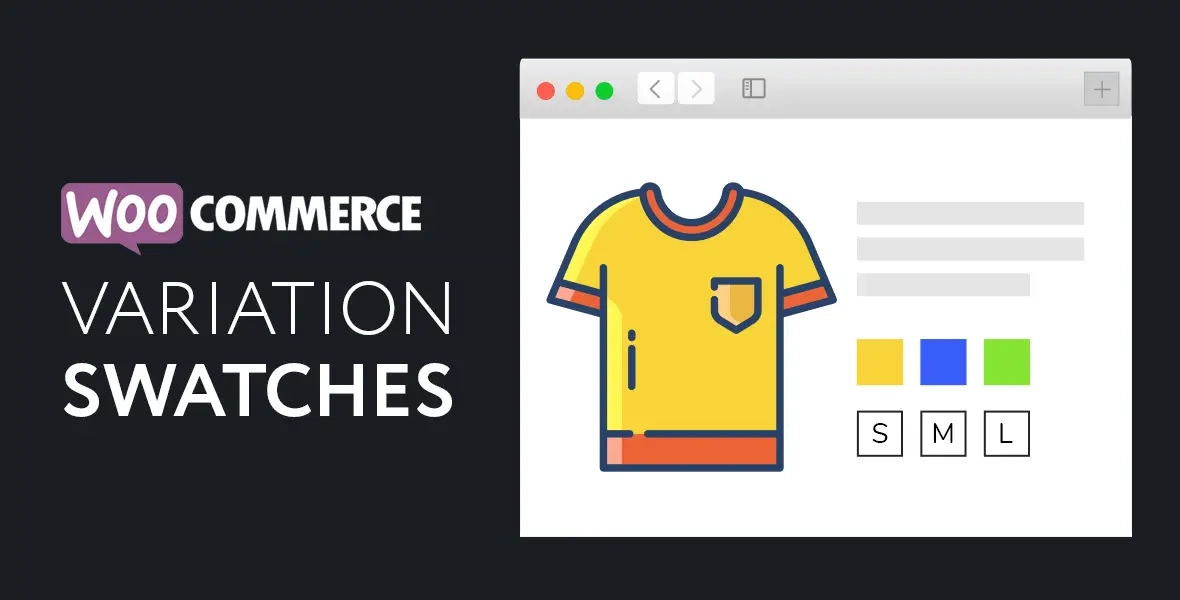
A WooCommerce extension that transforms variation dropdowns to nice-looking swatches. Color, image, and label swatches are available. Image swatches will automatically be applied for variation color attributes that contain an image.
This is a GPL-distributed version. No official support. Clean, secure, and legally redistributed under the GPL license.
Variation Swatches for WooCommerce allow you to add multiple gallery images for each variation and when the visitor selects the variation those gallery images will be shown as gallery images instead of main product gallery images.
With a friendly and easy-to-use interface, you can add a default color, image, or label to each attribute in the attribute management page. It can also help you pick the right style for quick-add attributes right inside the editing product page.
If a color attribute is associated with a variation image, image swatches can automatically be applied.
WooCommerce Variation Swatches Features Overview
Live Preview Customizer (All Options)
Attribute types: (Dropdown, Label, Color, Image)
Customize options for single product/archives independently
Automatically convert Dropdowns to Label Swatch by default
Automatically convert Color Dropdowns to Image Swatch
Attribute Label Position (Above / Before Swatches)
Hide Attribute Label
Hide Variation Reset Link
Attribute Quick Edit Supported
Swatch Styles: (Square, Circle, Rounded)
Adjust Swatch (Width, Height, Alignment)
Adjust Swatches Container Spacing
Adjust Swatch Vertical & Horizontal Gap
Adjust Swatch (Width, Height, Font Size, Colors)
Enable Tooltip (Text or Image)
Adjust Tooltip Background & Text Color
Adjust Tooltip Image Size
Adjust Tooltip Border Size & Radius
Override global swatch settings within the product page
Mix swatch types for the same product. ex. Image / Color
Enable Catalog Mode