


-
 Pick up from the Woodmart Store
-
 Courier delivery
-
 DHL Courier delivery

 Pick up from the Woodmart Store
Courier delivery
DHL Courier delivery
Pick up from the Woodmart Store
Courier delivery
DHL Courier delivery
 Warranty 1 year
 Free 30-Day returns

 Overview
 Processor
 Display
 RAM
RAM
 Storage
 Video Card
 Connectivity
 Features
 Battery
 General
In stock
In stock
In stock
In stock
In stock
In stock
No account yet?
Create an Account





PlugCart –
WooCommerce Order Status Manager
This is a GPL-distributed version. No official support. Clean, secure, and legally redistributed under the GPL license.
The WooCommerce Order Status Manager allows you to create, edit, and delete custom order statuses and integrate them seamlessly into your WooCommerce order management flow. You can also edit core order statuses and trigger new order emails based on status changes.
Custom order statuses will be used in your orders list, and can even be integrated into the order actions or bulk actions for a completely seamless fulfillment workflow.
New order emails can also be triggered as an order status change notifier. You can trigger emails based on changes between custom statuses or core statuses so that customers and/or shop admins are always informed of order updates and changes.
Why Use WooCommerce Order Status Manager?
Create new order statuses and add icons or action buttons
Display order status descriptions to customers on the “View Order” page to explain the order status
Edit WooCommerce core statuses to set a “next status” for new action buttons
Use “Next Statuses” to create a seamless fulfillment workflow and add order action buttons
Add bulk actions for new statuses in the orders list
Drag and drop orders statuses to re-order the way they’re shown in your admin
Use status icons instead of text badges in the “Orders” list NEW
Include orders with custom statuses in shop reports
Mark order statuses as “Paid” to include download links, purchase notes, or other features when customers view these orders
Mark order statuses as “requires payment” to show “Pay” and “Cancel” links to customers’ NEW
Add new order emails, which can be triggered based on status changes
Edit new email content via new templates
Import existing custom statuses from custom code or other plugins
Safely delete custom statuses without losing orders
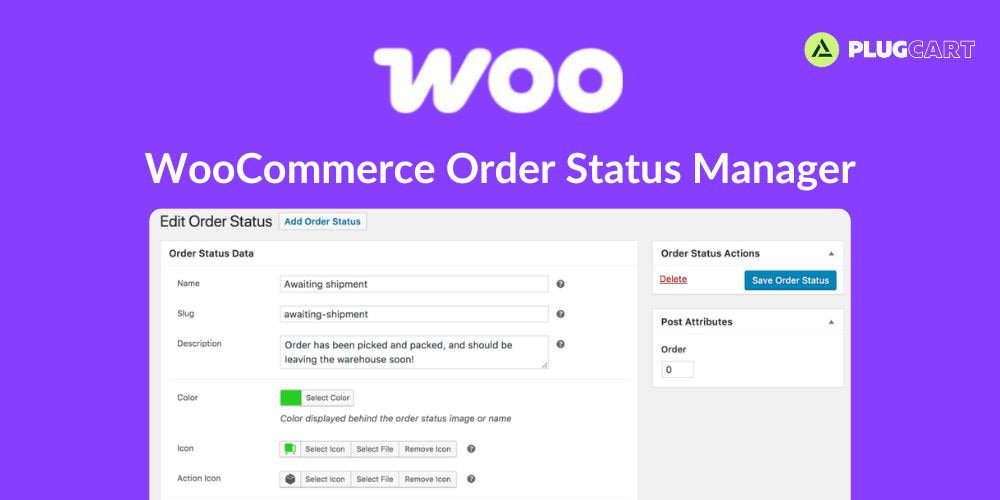
Add New Order Statuses
You can add a new order status and select an icon to display in the orders list (which replaces the text badge for a status name). Action buttons can also be added if this will be used as “next status” by another status in your order flow. You can also add next statuses to determine which action buttons should be displayed for this status.
Add New Order Statuses
You can add a new order status and select an icon to display in the orders list (which replaces the text badge for a status name). Action buttons can also be added if this will be used as “next status” by another status in your order flow. You can also add next statuses to determine which action buttons should be displayed for this status.
Edit Core Statuses
You can edit a core WooCommerce order status to add “next statuses”. For example, you can add a custom status as the next status for “processing” orders, which will display your custom status action button for any processing order.
This makes order management simple, fast, and easy to use, as custom statuses are completely integrated into the orders workflow.
Add New Order Emails
New order emails can be added based on order status changes, including changes with custom order statuses. When these emails are added, they can be edited and enabled in your WooCommerce email lists, or the template can be overridden in your theme for greater control over the content.
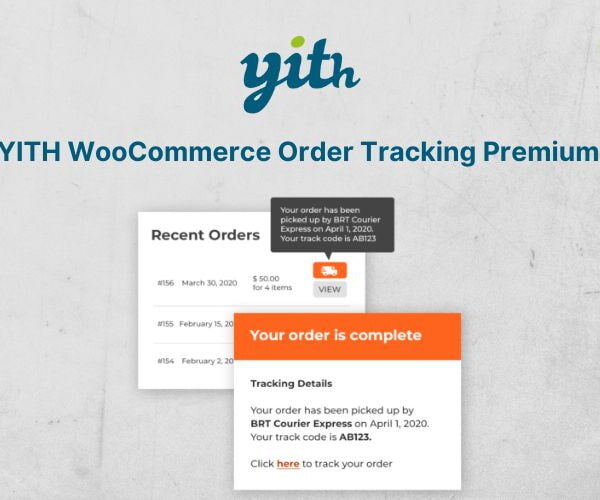
Display Status Information to Customers
Customers can be frustrated by order management when they don’t know where their orders are.