




Field Icons for WPForms – WP Monks 3.8
Original price was: $19.99.$9.99Current price is: $9.99.

Bookly Service Schedule Addon 3.5
Original price was: $19.99.$9.99Current price is: $9.99.
-50%
-
 100% Original - All Premium Features Included.
-
 Unlimited Site & Domain Usage
-
 Safe & Secure


Related Products

Elementor PRO WordPress Page Builder + Pro Templates 3.34.0
In stock
Original price was: $19.99.$9.99Current price is: $9.99.


WoodMart Theme Responsive WooCommerce WordPress Theme 8.3.9
In stock
Original price was: $19.99.$9.99Current price is: $9.99.

Wordfence Premium – WordPress Malware Scanner 8.1.4
In stock
Original price was: $19.99.$9.99Current price is: $9.99.

Astra Pro Addon For Astra Theme 4.12.1
In stock
Original price was: $19.99.$9.99Current price is: $9.99.

PlugCart –
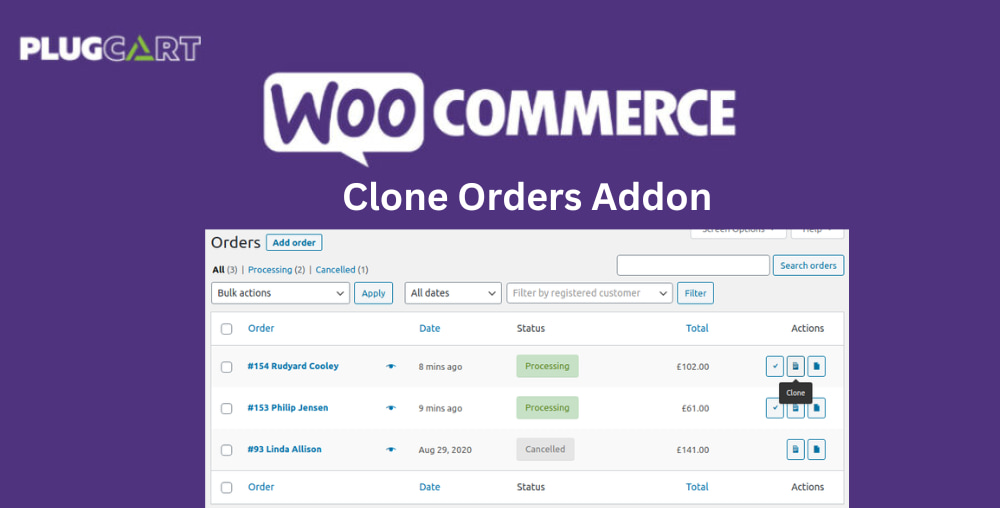
WooCommerce Clone Orders Addon
The Clone Orders extension adds functionality for duplicating orders to streamline the process of adding similar orders quickly.
Use Cases
Having the power to duplicate orders lets you build efficient processes and handle customer requests more quickly. This includes scenarios such as:
Handling exchanges for customers: Refund the returned items on the original order, clone to a new empty order, and add the exchanged item. You can then follow your usual order fulfillment process with the new order and your reporting will still be accurate.
Manually inserting the same (or a similar) order for multiple customers: Create it once, then clone as many times as needed, just updating the customer details as required.
Receiving repeat purchase orders from existing customers: Duplicate their last order and update as required to speed up an otherwise slow and tedious process.