




SearchWP WooCommerce Integration 1.4.0
Original price was: $19.99.$9.99Current price is: $9.99.
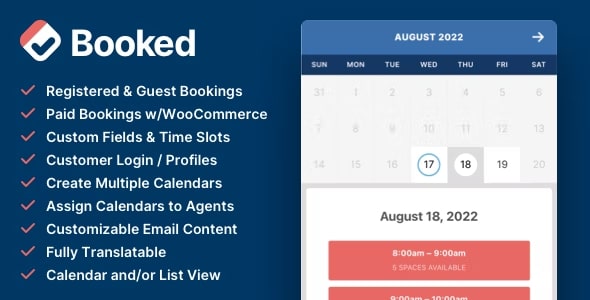
Booked - Appointment Booking for WordPress 2.4.4
Original price was: $19.99.$9.99Current price is: $9.99.
-50%

-
 100% Original - All Premium Features Included.
-
 Unlimited Site & Domain Usage
-
 Safe & Secure


Related Products

Elementor PRO WordPress Page Builder + Pro Templates 3.34.0
In stock
Original price was: $19.99.$9.99Current price is: $9.99.


WoodMart Theme Responsive WooCommerce WordPress Theme 8.3.9
In stock
Original price was: $19.99.$9.99Current price is: $9.99.

Wordfence Premium – WordPress Malware Scanner 8.1.4
In stock
Original price was: $19.99.$9.99Current price is: $9.99.

Astra Pro Addon For Astra Theme 4.12.1
In stock
Original price was: $19.99.$9.99Current price is: $9.99.

PlugCart –
Paid Memberships Pro Invite Only Membership
Require an invite code to sign up for the specified Membership Levels (works for free or paid levels). After membership checkout, the member is given invite codes to share.
The Invite Only Add On allows you to restrict membership signups for specific membership levels and require an invite code.
How it Works
After completing their membership checkout, your member will receive a unique invite code that they can share with others. You can specify the number of uses on the invite code, make it unlimited, or give the member multiple single-use codes.
A list of used/unused invite code(s) is displayed on the Membership Account page, allowing a member to see who has used their code to register and manage the unused codes tied to their account.
The admin can increase the number of invites available for a user on the “Edit User” page.
Note: At this time the Invite Only Add On is not compatible with WooCommerce checkout. Checkout must be completed through Paid Memberships Pro.