



WPForms Dropbox Addon 1.2.0
Original price was: $19.99.$9.99Current price is: $9.99.
Gravity Flow PDF Generator Extension 2.0.0
Original price was: $19.99.$9.99Current price is: $9.99.
-50%
-
 100% Original - All Premium Features Included.
-
 Unlimited Site & Domain Usage
-
 Safe & Secure


Related Products

Elementor PRO WordPress Page Builder + Pro Templates 3.34.0
In stock
Original price was: $19.99.$9.99Current price is: $9.99.


WoodMart Theme Responsive WooCommerce WordPress Theme 8.3.9
In stock
Original price was: $19.99.$9.99Current price is: $9.99.

Wordfence Premium – WordPress Malware Scanner 8.1.4
In stock
Original price was: $19.99.$9.99Current price is: $9.99.

Astra Pro Addon For Astra Theme 4.12.1
In stock
Original price was: $19.99.$9.99Current price is: $9.99.

PlugCart –
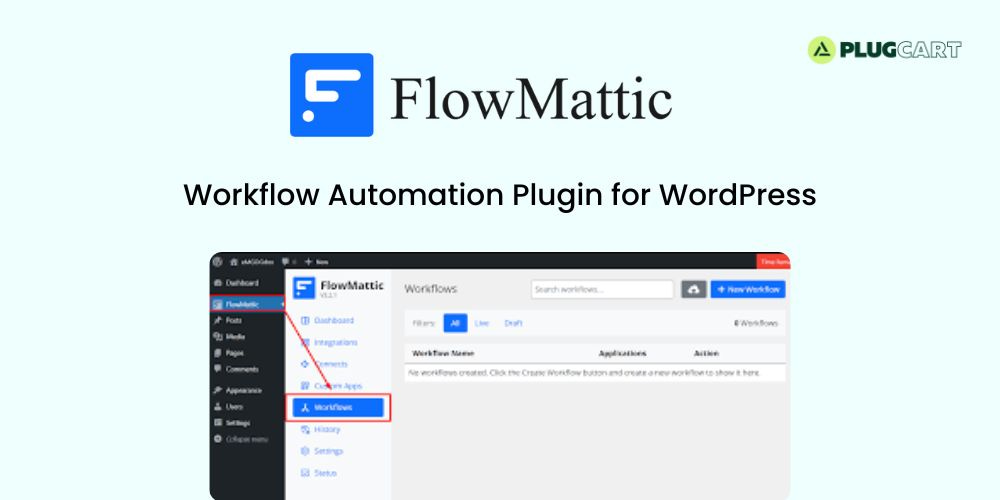
FlowMattic – Workflow Automation Plugin for WordPress Latest Version
This is a GPL-distributed version. No official support. Clean, secure, and legally redistributed under the GPL license.
Crafting bridges between your favourite apps, FlowMattic enables seamless automation of workflows, thus accelerating your business process efficiency
WordPress Plugins
Enjoy seamless compatibility among your WordPress plugins, or take a step further by integrating them with other apps
SaaS Applications
FlowMattic makes it a breeze to integrate hundreds of SaaS applications, enabling them to work in perfect harmony
Custom Web Apps
Integrate your bespoke apps and services seamlessly, automating routine tasks for elevated efficiency
Kickstart Your Automations in Simple Steps
While app integration can appear challenging and intricate, FlowMattic simplifies the process with a user-friendly interface and three easy steps
Step 1: Install Your Required Integrations
Unlock maximum productivity with FlowMattic. Connect with hundreds of SaaS applications, WordPress plugins, and services with ease and only install the integrations you need.
Step 2: Choose Your Trigger Application
A trigger is the event that kick-starts automation. It’s simply something that happens in one of your connected apps that sets off tasks in others. For instance, a new lead in your Google Lead Forms can activate your workflow to be executed instantly. That activating event is known as a trigger.
Step 3: Add Action Steps
Actions are the tasks you automate in your connected apps after the workflow is triggered. For example, when a new lead arrives from Google Lead Forms, you might want to notify your team on Slack, add the lead to your CRM, and send follow-up emails. All these tasks can be automated effortlessly using FlowMattic.