




MainWP Code Snippets Extension 5.0.4
Original price was: $19.99.$9.99Current price is: $9.99.

WP Grid Builder Oxygen Addon 1.2.1
Original price was: $19.99.$9.99Current price is: $9.99.
-50%
-
 100% Original - All Premium Features Included.
-
 Unlimited Site & Domain Usage
-
 Safe & Secure


Related Products

Elementor PRO WordPress Page Builder + Pro Templates 3.34.0
In stock
Original price was: $19.99.$9.99Current price is: $9.99.


WoodMart Theme Responsive WooCommerce WordPress Theme 8.3.9
In stock
Original price was: $19.99.$9.99Current price is: $9.99.

Wordfence Premium – WordPress Malware Scanner 8.1.4
In stock
Original price was: $19.99.$9.99Current price is: $9.99.

Astra Pro Addon For Astra Theme 4.12.1
In stock
Original price was: $19.99.$9.99Current price is: $9.99.

PlugCart –
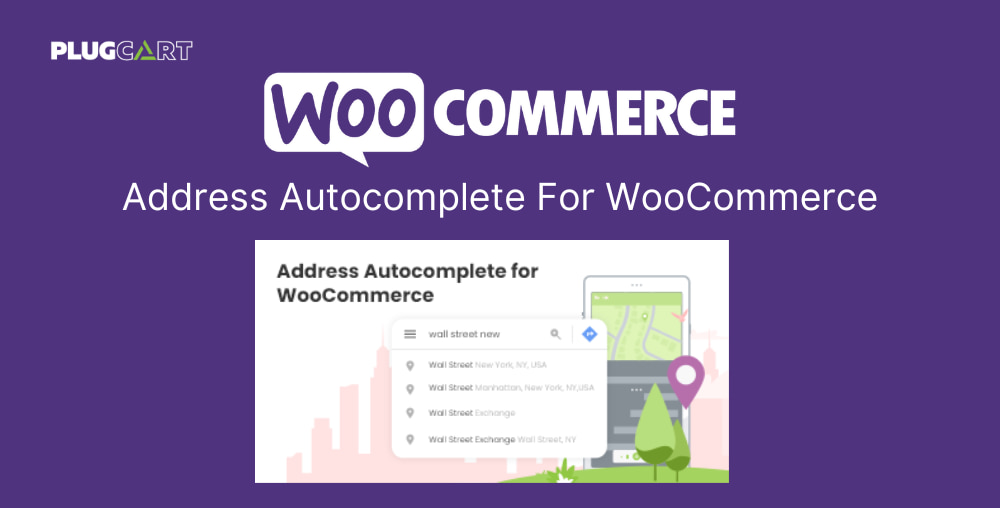
Address Autocomplete For WooCommerce Extension Latest Version
This is a GPL-distributed version. No official support. Clean, secure, and legally redistributed under the GPL license.
Enhance your WooCommerce checkout and user experience with Address Autocomplete for WooCommerce.
WooCommerce store owners know the pain of incurring losses due to packages with invalid addresses being undelivered — it’s a common problem for most store owners and recent research has shown companies are particularly hit by customers filling out address fields incorrectly during holiday sales like Black Friday.
What if there was a way to help you end delivery delays caused by an incorrect address entry? What if we could help customers fill their address entry using Google’s Address Autocomplete (suggestion) feature?
Introducing Address Autocomplete for WooCommerce. Address Autocomplete for WooCommerce is an intelligent yet easy-to-use extension that allows you to sync your site with Google Maps’ location detector at the checkout page. This saves your customers time and effort when filling out their checkout form’s address fields.
How does Address Autocomplete for WooCommerce work?
As soon as the customer selects their location on the map, Google Address auto-complete (via Google API) automatically fetches their Address, Country, City, State, and Zipcode and auto-fills the data against the relevant field. Moreover, if the customer suggests a location or zip code, the system will display a list of suitable locations to choose from.
Address Autocomplete for WooCommerce is the ultimate solution for WooCommerce stores that face problems like shipping to the incorrect address due to wrong address input.
Address Autocomplete for WooCommerce Features
Google Address Autocomplete feature — real-time address validation via Google Places API.
Select location via Google Map pointer — drag and point to any place on the map with great accuracy and precision.
Autofill address details – country, city, and zip code will be detected automatically without manual input.
Autofill address fields on the checkout page – once the customer selects their location and details, the autofill functionality fills the address fields accordingly.
Restrict countries – Restrict specific countries from appearing in the suggestion results.
The billing address can be the same as the shipping address — customers can copy their billing address to the shipping address by clicking on a checkmark.
Set shipping methods to the defined location from the back-end —set and define different shipping methods (free shipping, flat rate, local pick up) to specific locations from the back-end settings.
Accept manual input – allow customers to input their address and other details manually.