



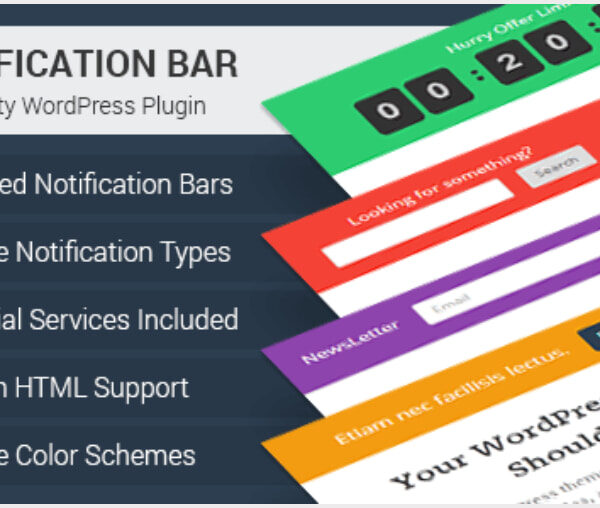
MyThemeShop WP Notification Bar Pro 1.2.1
Original price was: $19.99.$9.99Current price is: $9.99.

Newsletter Amazon SES Addon 1.6.2
Original price was: $19.99.$9.99Current price is: $9.99.
-50%

-
 100% Original - All Premium Features Included.
-
 Unlimited Site & Domain Usage
-
 Safe & Secure


Related Products

Elementor PRO Original Lifetime Last Version
In stock
Original price was: $39.99.$19.99Current price is: $19.99.


WoodMart Theme WordPress WooCommerce Last Version
In stock
Original price was: $19.99.$9.99Current price is: $9.99.

Wordfence Premium – WordPress Malware Scanner 8.1.4
In stock
Original price was: $19.99.$9.99Current price is: $9.99.

Astra Pro Addon For Astra Theme Last Version
In stock
Original price was: $19.99.$9.99Current price is: $9.99.

PlugCart –
Paid Memberships Pro Signup Shortcode Addon Latest Version
This is a GPL-distributed version. No official support. Clean, secure, and legally redistributed under the GPL license.
Signup Shortcode Embed a shortened signup form anywhere on your WordPress site to streamline membership registration, especially for free levels.
Signup Shortcode creates a new shortcode you can use to add a simple signup form to any page, post or widget.
Shortcode attributes allow you to show only certain signup fields, optionally generate fields like username or password, automatically log the member in, and redirect to the referrer or a specified page after submission.
Shortcode Attributes
If you are using the WordPress Editor, you can add a shortcode like an example below inside any Shortcode Block. Other page builders also support shortcodes using other page elements.
[pmpro_signup submit_button=”Unlock this Post Now!” level=”1″ login=”1″ redirect=”referrer”]
Here is a list of all shortcode attributes you can use with this Add On:
hide labels – (optional) Optionally hide the field “Labels”. The “placeholder” attribute of input fields will be used when available and the label will be shown for fields when required. Note: this may not work with custom fields. (default: false; accepts: true or false)
intro – (optional) Override the default “Register for” text above the checkout form or hide the text completely. (default: true; accepts: true, false, or your custom text)
custom_fields – (optional) determines whether to show any custom user fields added via plugin settings or other Add Ons. (default: false; Accepts: true or false)
level – (required) determines which level to use for the checkout form
login – (optional) Set this attribute to show a “Log In” link below the submit button. (i.e. login=”1″)
redirect – (optional) Set the page to redirect to after form submission. (default: Membership Confirmation page. accepts referrer, account, or your custom URL)
short – (optional) determines whether to show the Confirm E-mail and Confirm Password fields OR show the E-mail Address field only. (default: false; Accepts: true, false, or email only)
confirm_email – (optional) determines whether to show Confirm E-Mail field (default: false; Accepts: true, false)
confirm_password – (optional) determines whether to show Confirm Password field (default: false; Accepts: true, false)
submit_button – (optional) Change the “Submit” button text on the checkout form. (default: “Sign Up Now”; accepts: your custom text)
title – (optional) Show a heading (h2) with a default “Level Name” above the checkout form or your custom text. (default: false; accepts: true or your custom text)