



Lottier – Lottie Animated Images for Divi Builder 1.1.6
Original price was: $19.99.$9.99Current price is: $9.99.
Analytify Campaigns Manager Addon Plugin 5.5.0
Original price was: $19.99.$9.99Current price is: $9.99.
-50%
-
 100% Original - All Premium Features Included.
-
 Unlimited Site & Domain Usage
-
 Safe & Secure


Related Products

Elementor PRO Original Lifetime Last Version
In stock
Original price was: $39.99.$19.99Current price is: $19.99.


WoodMart Theme WordPress WooCommerce Last Version
In stock
Original price was: $19.99.$9.99Current price is: $9.99.

Wordfence Premium – WordPress Malware Scanner 8.1.4
In stock
Original price was: $19.99.$9.99Current price is: $9.99.

Astra Pro Addon For Astra Theme Last Version
In stock
Original price was: $19.99.$9.99Current price is: $9.99.

PlugCart –
Draw Attention Pro
This is a GPL-distributed version. No official support. Clean, secure, and legally redistributed under the GPL license.
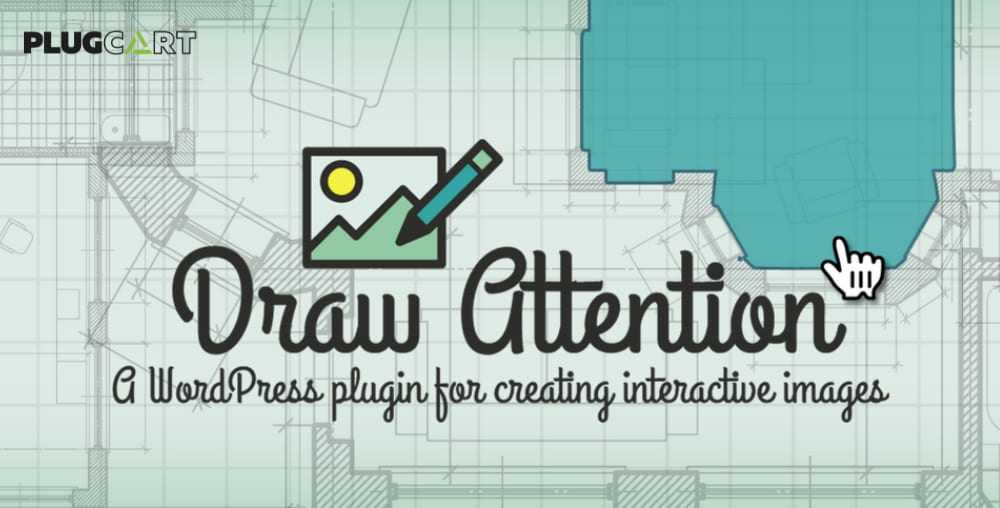
Draw Attention makes it easy to create interactive image maps. Highlight sections of your images with hotspots so that users can click/tap or hover to read more information about each image map area. Show more content or direct the user to another URL upon clicking or hovering your hotspot.
The image map can contain more information such as images, text, shortcodes, gallery, video, audio, and more. Reveal more information on click/tap or hover. Create custom shapes for interactive hotspots directly on your original image.
Perfect for sketch maps, interactive floor plans for real estate, clickable infographics, sketch annotations, image tutorials, product feature highlights on WooCommerce, and more.
Draw Attention Pro GPL Features:
Easy drawing tools
Our drawing tools are easy to use, even to draw complex shapes. Just click your image to draw a point. Remove a point by pressing the control key while clicking. Easily adjust an existing point by simply dragging it with your mouse. You can easily add new points to an existing shape just by clicking. Move the entire shape by grabbing the handle in the middle. You can draw shapes on images of any format – PNG, JPG, or GIF.
Create colorful highlights
Draw any shape from simple squares and triangles to complex shapes and place them anywhere on your image. The shapes you draw highlight as your user moves their mouse over the image or taps the area on a mobile device. You can define the color and opacity of the shapes and control their style – make the shapes visible at all times, or only reveal them after the user interacts with your image.
Customizable colors
Choose from over 20 pre-defined color schemes to quickly and easily create an interactive image. Or, create a complete custom color scheme that matches your theme or your image. You can use multiple color schemes on a single image – great for showing different statuses or categories. Create your own styles including color, opacity, border color, border width, and border opacity.
Layout options
Define how you’d like additional information attached to your image should appear. It can appear beside the image, on either the left or right, above or below the image, or in a lightbox or tooltip. You can define the styles for the background color and text color of the additional information. Fonts and font sizes are inherited from your theme for maximum compatibility.
Add additional information
Add a title and a featured image attached to each highlightable shape on your image. You can also add styled text with the full-featured text editor. In addition, the text editor allows the use of shortcodes, including video, audio, and image galleries. You have lots of flexibility!
Link to other pages
As an option, instead of adding more information to each shape, you can optionally link each shape to another page, post, product, or more. You can link to other websites and choose to open the link in a new window or in the same window. You can also link to documents, forms, photos, and downloadable files.
More Features
Responsive
Draw Attention works on all devices and adjusts your image to screens of any size. Works great on touch screens, too.
Quality
Draw Attention is progressively enhanced and built according to web standards and best practices. The code is high-quality and carefully tested.
Accessible
Your content is accessible to screen readers. All highlightable areas can be accessed by keyboard commands. Anyone on any device can use your interactive image.
Use Anywhere
Place your image into any page or post with a simple shortcode, or use our convenient Beaver Builder module. Easy to display wherever you’d like!
See Draw Attention in Action
Easy click to draw image hotspots
Draw complex shapes
Show more info or link users to another URL
Select custom colors for your hotspots
Choose from 6 unique layouts to display content
Place into any post or page