


-
 Pick up from the Woodmart Store
-
 Courier delivery
-
 DHL Courier delivery

 Pick up from the Woodmart Store
Courier delivery
DHL Courier delivery
Pick up from the Woodmart Store
Courier delivery
DHL Courier delivery
 Warranty 1 year
 Free 30-Day returns

 Overview
 Processor
 Display
 RAM
RAM
 Storage
 Video Card
 Connectivity
 Features
 Battery
 General
In stock
In stock
In stock
In stock
In stock
In stock
No account yet?
Create an Account





PlugCart –
WPForms PDF Addon Latest Version
This is a GPL-distributed version. No official support. Clean, secure, and legally redistributed under the GPL license.
Would you like to generate professionally formatted PDFs from your form entries? The WPForms PDF addon lets you create a PDF copy of your form’s notification email or build fully customized documents such as invoices, certificates, or contracts with your own brand styling.
Creating a New PDF
To start, create a new form or edit an existing one to access the form builder. Once you’re in the form builder, go ahead and add the fields you’d like to include in the form. You can use WPForms AI to quickly speed up the form creation process.
After adding the fields to your form, navigate to Settings »PDF and click the Add New PDF button to create a new PDF.
You’ll now see the PDF editor layout with a live preview on the left and all settings and customization options on the right.
From here, you can start by setting up the basic details for your PDF:
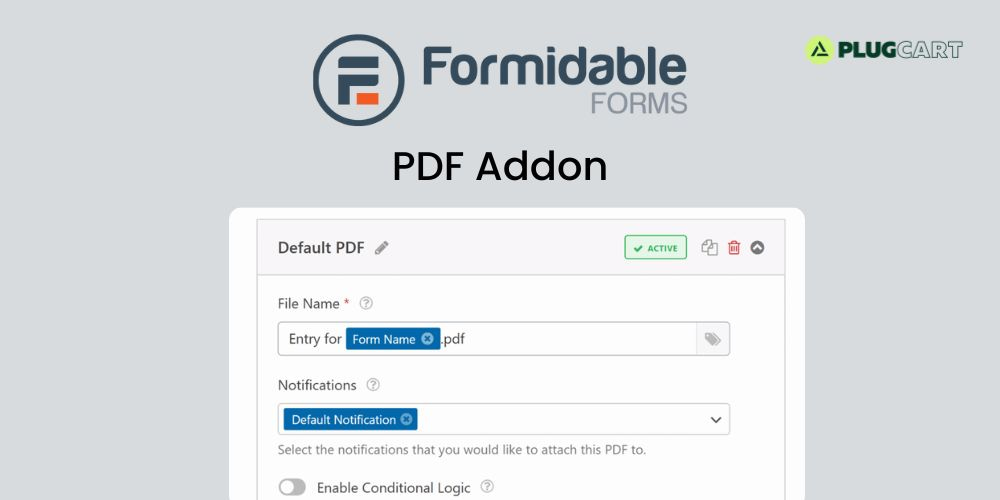
File Name: By default, the file name uses the form name and a .pdf extension. You can change it manually or insert smart tags by clicking the smart tag icon.
Notifications: Choose which email notifications this PDF will be attached to.
Conditional Logic: Enable this option if you want the PDF to be generated only when certain conditions are met. See our guide on conditional logic for more details on this.